What mobile access does for day-to-day coordination
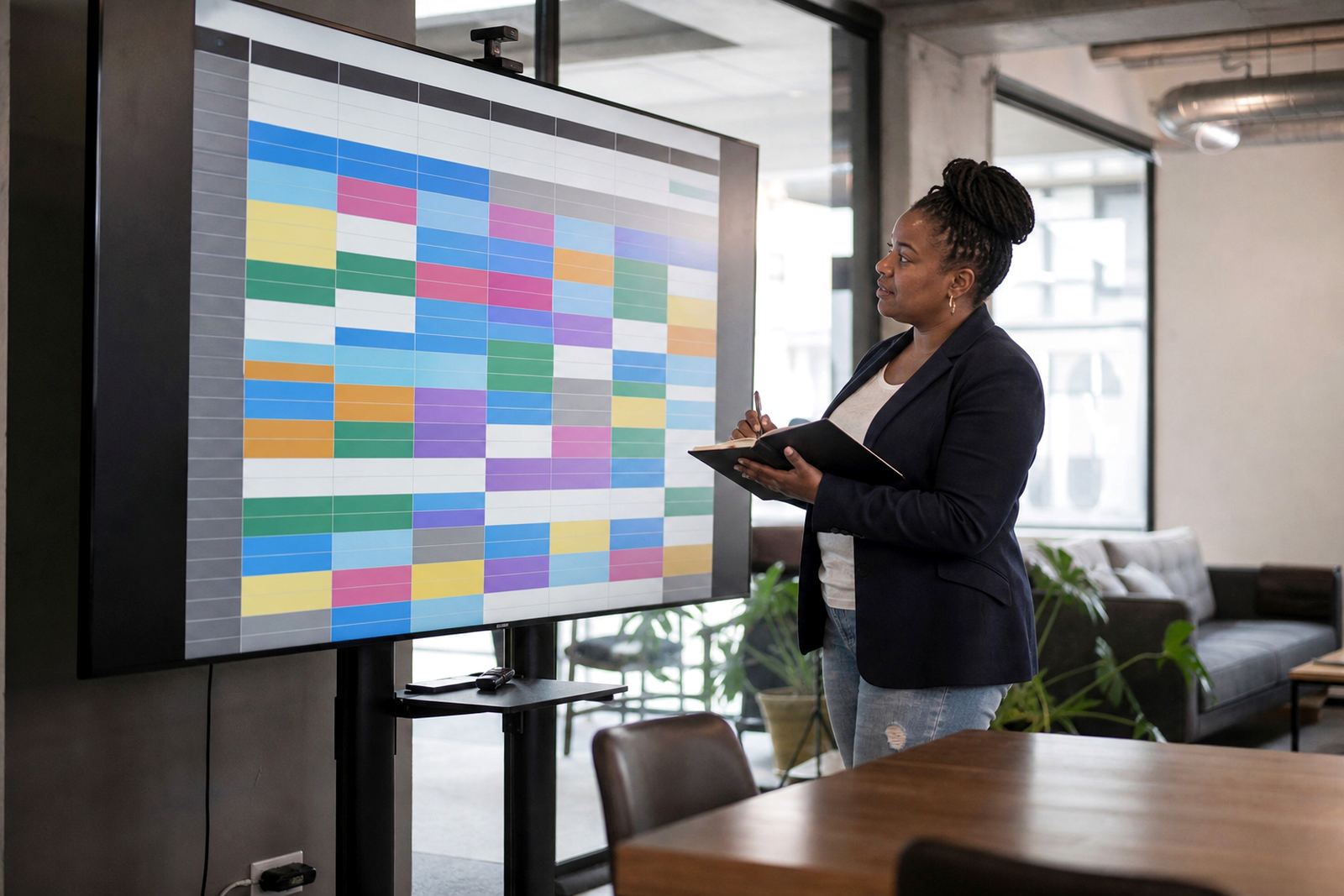
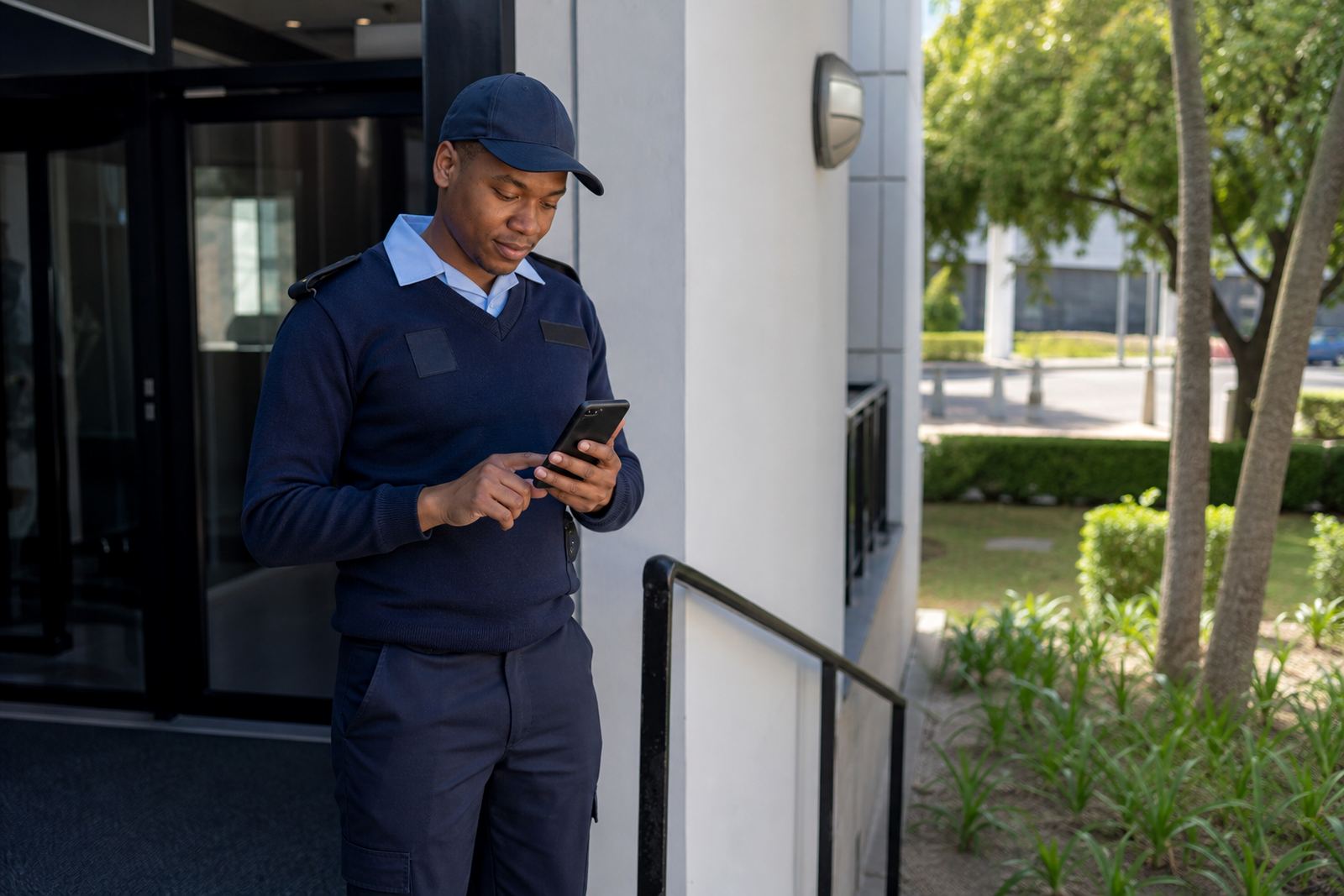
Mobile access gives your team a practical way to keep up with rosters, swap requests and internal messages while they are on the move. For businesses in Johannesburg, Cape Town, Durban, Pretoria and Bloemfontein, that matters when staff are travelling between sites, working split shifts or checking their next shift after hours. Instead of waiting for a manager to be at a computer, people can check the latest information on a phone and respond faster.
The main purpose is simple. Keep everyone looking at the same schedule, reduce missed shifts and make it easier to handle changes before they become a problem. It also helps when load-shedding interrupts normal office routines, because staff can still see updates from a phone if they have signal and battery power. The tool is not meant to replace good management, only to make everyday coordination easier and a bit less messy.
Features staff actually use on a phone
Mobile access is built around the features teams use most often in the field or on the move. That includes viewing shifts, sending messages and handling swap requests in a clear layout that works on smaller screens. For supervisors, it helps with quick updates when someone is late, unavailable or asked to cover another person’s shift.
- View upcoming rosters by day, week or month
- Check approved shift swaps and pending requests
- Send and receive team messages from one place
- See roster changes as they are updated
- Use team activity prompts for meetings, huddles or engagement tasks
For businesses that operate across multiple areas such as Rosebank, Midrand and Sandton, phone access keeps the schedule visible to the right people without extra back-and-forth. It also helps reduce confusion when staff are off-site or travelling between branches.
Where mobile access suits best
This option suits teams that do not all sit at a computer during the day. It works well in retail, hospitality, security, cleaning, logistics, facilities support and field service environments, where staff often need to check their next shift before arriving on site. It is also useful for office teams that still need quick access outside normal hours, especially when managers are balancing leave, weekend cover and short-notice changes.
It suits small teams as well as larger operations. A small business may need it for a single manager and a few staff members, while a bigger organisation may use it for site-by-site rosters across branches. If your team works in more than one place, or if people often move between locations, mobile access helps keep the process steadier and less reliant on one person sitting at a computer all day.
- Best for shift-based work and multi-site teams
- Useful where staff need quick access after hours
- Suitable for managers handling frequent changes
- Handy for businesses with travelling or mobile staff
Setup, rollout and day one use
Setting up mobile access usually starts with account setup, team import help and roster template setup so the schedule is ready before staff start using it. Manager training and staff training help people understand where to find their shifts, how to reply to messages and how to raise a swap request. For businesses rolling out across several branches, a site rollout plan helps keep the process organised from one location to the next.
During go live support, the focus is on making sure the right people can log in and use the main functions without confusion. If your team already has a roster process in place, policy alignment helps match the mobile workflow to your existing rules, including how swaps are approved and how messages are handled. That is important because rosters should follow the Basic Conditions of Employment Act in general terms, without turning the app into a legal adviser.
Phone requirements, power and site conditions
Mobile access does not need special equipment on site, but it does depend on a phone with a working data connection and enough battery life for the day. In South Africa, that matters when teams are dealing with load-shedding, unreliable charging points or patchy coverage in certain buildings. If staff are in a warehouse, a restaurant back area or a busy retail floor, it helps to make sure they know how to check their roster quickly and save important updates before battery runs low.
There is no gas need for this product, but there are a few practical setup points to think about. If your team works in coastal areas like Durban or along the Cape coast, moisture and salt air can shorten the life of phones and charging ports, so basic care matters. For outdoor or site-based teams in places like Pretoria or Bloemfontein, dust and heat can also affect phones that are used all day. Keep the process simple and make sure staff know where to get help if a device is not loading updates correctly.
- Working smartphone with data access
- Battery power for regular shift checks
- Clear login details for each user
- Stable signal for timely message updates
What to check before you order mobile access
Before you order, check how many people need access, what kind of shifts they work and who must be able to approve changes. If your managers handle separate departments, confirm whether each team needs its own roster view or one shared process. It is also worth checking what messages need to be sent often, because that will shape how your team uses the system day to day.
Ask for help with roster template setup if your current roster is on paper or spread across different files. If you are running activity planning alongside scheduling, confirm how team activities will be recorded so they do not clash with shift times. A good rollout also includes ongoing check ins after launch, because the first few weeks usually show where people need a bit more guidance. That makes the system easier to use and less likely to cause confusion when changes come in quickly.
Key facts
| Product type | Mobile access for scheduling, shift swaps and messages |
|---|---|
| Primary use | Check rosters and handle day-to-day team updates on a phone |
| Suitable for | Businesses with shift-based staff, multi-site teams and managers on the move |
| Setup support | Account setup, team import help, roster template setup and manager training |
| Care needs | Working phone, charge routine, data access and basic device care in dusty or coastal conditions |
| Compliance note | Use roster processes that follow the Basic Conditions of Employment Act in general terms |