

















How to read these team stories
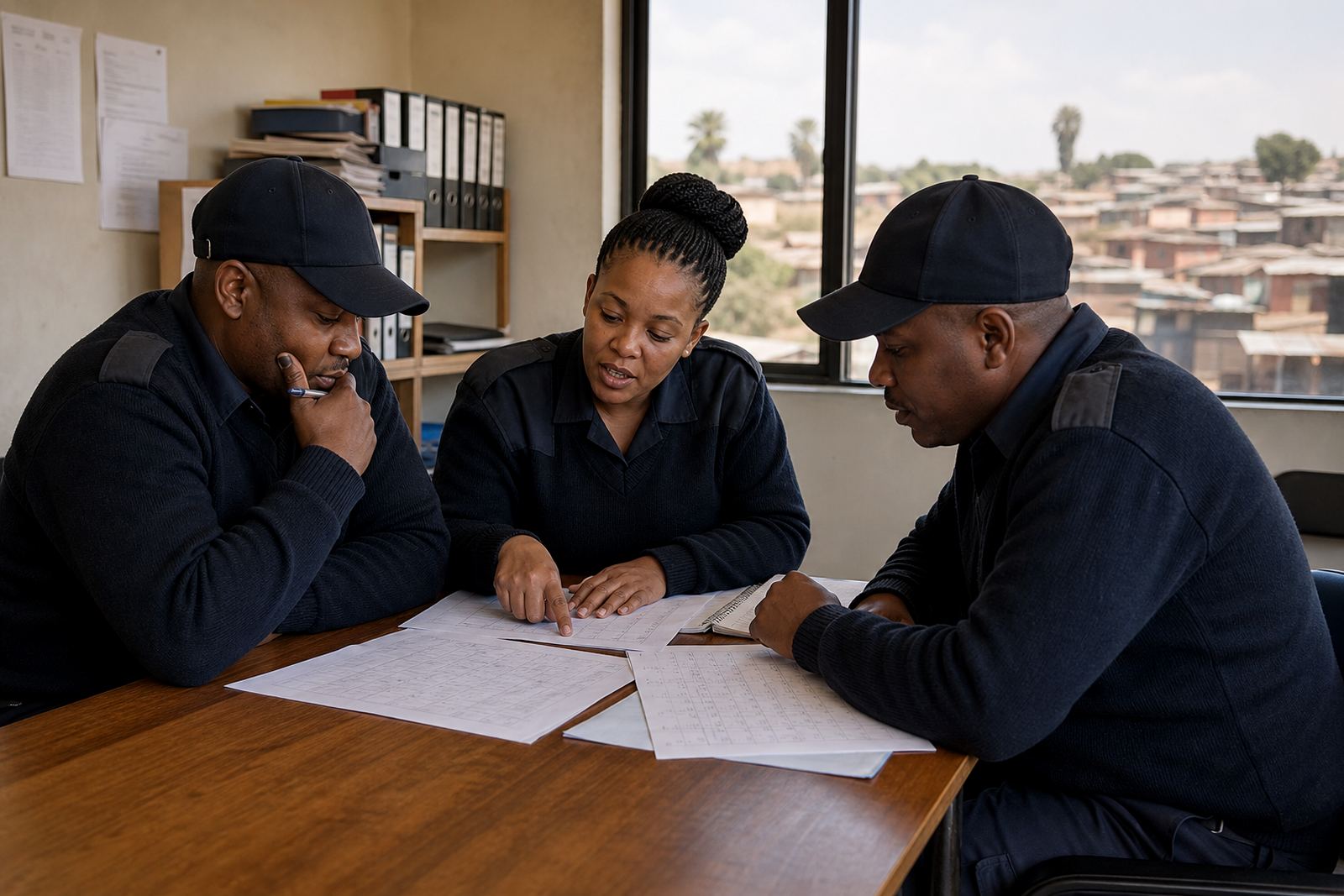
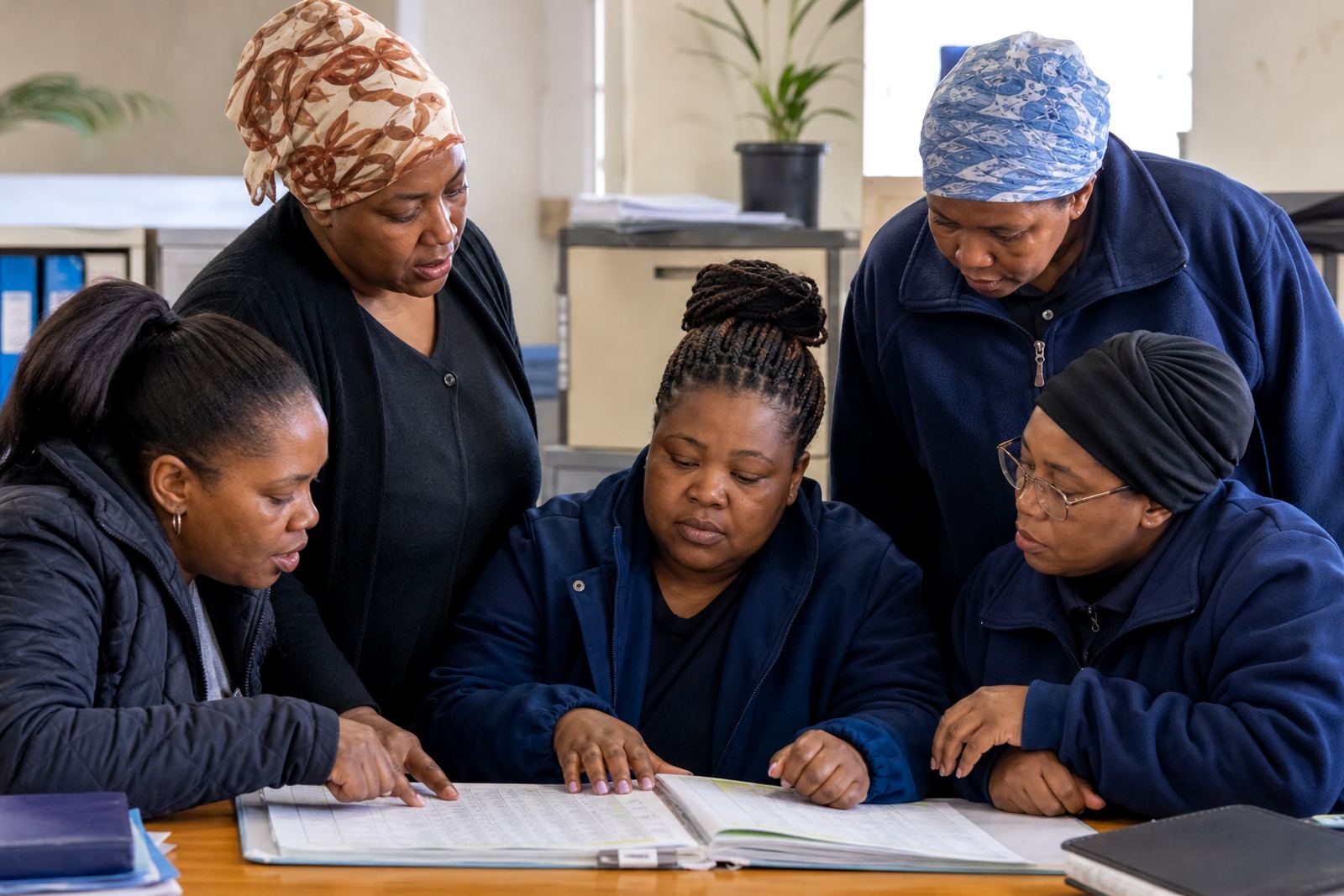
This hub brings together example workplace scenarios from Rosebank, Johannesburg and other South African centres, including Cape Town, Durban, Pretoria and Bloemfontein. Each story shows a common rostering or team coordination challenge and the practical steps a manager can take to keep things moving.
Use the stories to compare the type of support you need. Some businesses mainly want a cleaner roster template, while others need help with shift swaps, team messages or planning activities that fit around busy trading hours, load-shedding and weekend demand. The goal is simple: choose the story that feels closest to your team and start there.
Retail teams that need faster shift changes
Retail staff often work early starts, late finishes and public holiday shifts, which makes roster changes easy to miss. In a busy store, one late message can leave a floor short or a stock room overworked. A clearer scheduling process helps managers see who is available and who still needs confirming for the week.
Typical support in this kind of setting includes:
- setting up a roster template that matches store hours
- handling shift swaps in a way that is visible to the manager
- sending team messages when trading hours change
- planning short team activities around stock takes or month-end
Hospitality and service teams with changing peaks
Restaurants, guest houses and service businesses often deal with sudden rushes, last-minute sickness and weather related changes, especially along the coast where humidity can affect comfort and turnout. In these workplaces, the roster has to stay flexible without becoming confusing for supervisors or staff.
Many managers use a simple process for confirming shifts, sharing updates and keeping a note of who is on duty for front-of-house, kitchen or support work. If the business runs during load-shedding, it also helps to keep team messages clear so everyone knows when to arrive and what to expect on the day. It saves a lot of back and forth, even when the schedule changes twice before lunch.
Field service and site teams working across towns
Businesses with teams on the move often need a clearer way to assign jobs, confirm attendance and keep communication in one place. That includes maintenance crews, installers, delivery teams and companies with staff spread across multiple sites in Gauteng and beyond. A shared roster can reduce confusion when people are moving between Rosebank, Midrand, Sandton or other local areas.
These teams usually want help with:
- importing staff details into a workable structure
- building rosters that match site hours and travel time
- sending quick messages about delays or route changes
- planning team activities that suit shift workers
Office teams that need better weekly coordination
Even a smaller office can run into problems when people work hybrid schedules, take leave at short notice or cover for colleagues. A tidy roster helps with reception, admin, call handling and shared support duties. It also gives managers a steadier view of who is on leave, who is available and where gaps may appear later in the week.
For many office-based teams the focus is not on complicated tools but on consistency. One place for scheduling, one place for messages and a straightforward way to keep the whole group informed. That kind of structure works well when policy alignment matters too, especially where working hours and break times need to follow the Basic Conditions of Employment Act in general terms. It is not legal advice, just a practical starting point for better planning.
Using stories to shape your own rollout
Every business will need a slightly different approach, but the rollout pattern is often similar. Start with account setup, move staff across in a clean format, agree on the roster template and then train managers before the rest of the team comes on board. From there, check what is working after the first few weeks and adjust the process where needed.
The most useful questions are usually the simplest ones: who creates the roster, who approves a swap and who sends the message when a shift changes. Answer those early and the rest becomes much easier to manage. A good rollout does not need to be fancy, it just needs to fit the way your team already works.
What to look for in the next story
When you open a story, look for the business type, the team size and the kind of problem being solved. That will help you decide whether you need support with manager training, staff training, site rollout, policy alignment or ongoing check ins. If your operation has unusual hours or multiple branches, choose the story that reflects that pressure first.
The listings are added separately, so this page is meant to help you browse with purpose. Whether your workplace is in Johannesburg, Cape Town, Durban, Pretoria or Bloemfontein, the right example should feel familiar from the first paragraph. Once that happens, it becomes easier to plan a roster people can actually follow.