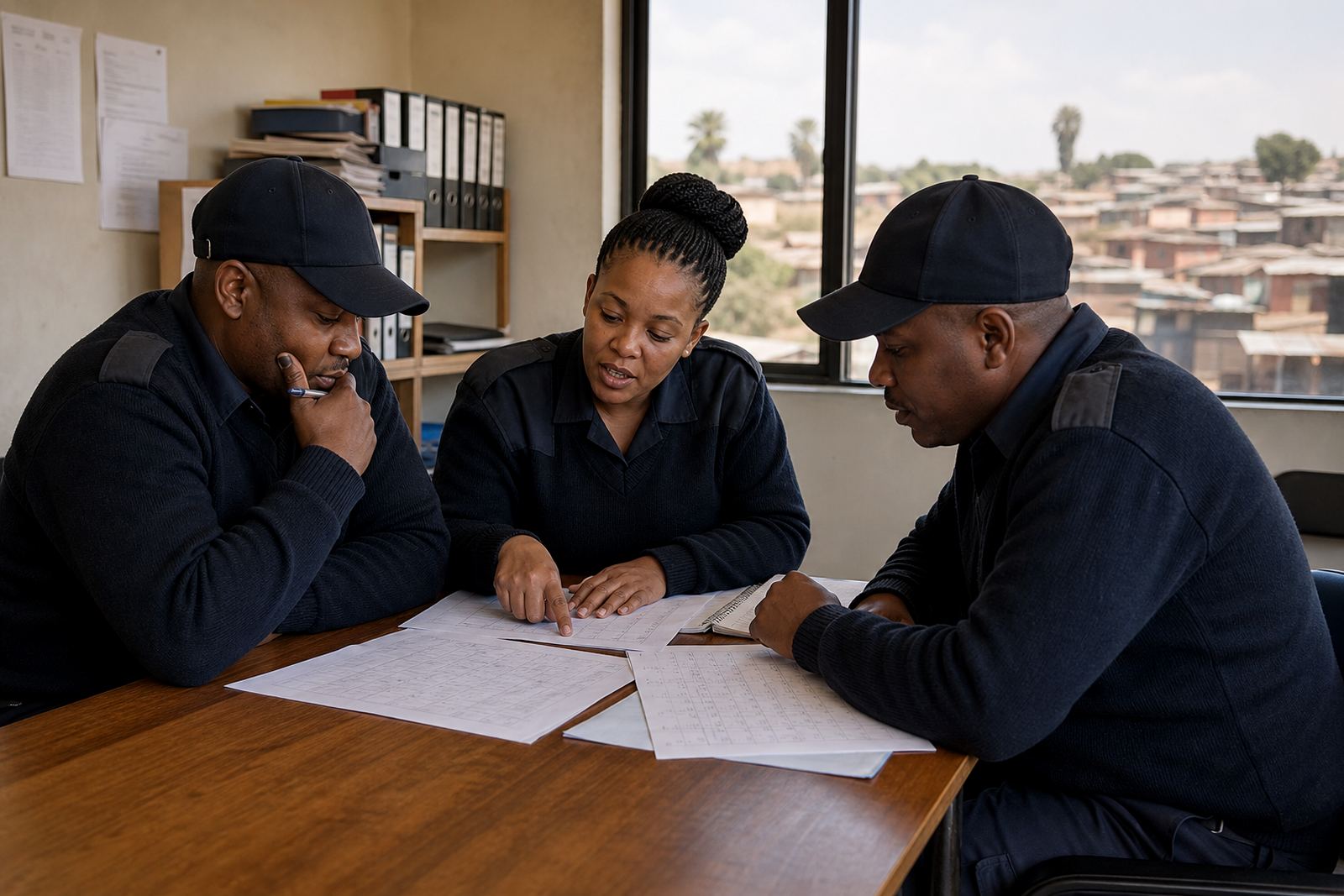
What the Rosebank store needed
This was a busy retail team in Rosebank, Johannesburg with split shifts, late trading days and the usual pressure around Saturday and Sunday cover. The manager wanted one place to handle weekly planning, shift swaps and day-to-day team messages, instead of chasing replies on paper rosters and group chats that were hard to follow.
The brief was practical. The store needed a cleaner weekly process, fewer last minute gaps and a setup that staff could understand quickly. Because retail teams often change by season, pay cycle and foot traffic, the plan had to stay flexible without becoming messy. Rosters also had to stay aligned with general labour rules under the Basic Conditions of Employment Act, without turning the process into legal advice.
Key facts from the project brief
- Client type: Retail store team
- Town: Rosebank, Johannesburg
- Rollout time: 6 weeks
- Main challenge: Weekend coverage and fast shift changes
- Core tools used: Scheduling, shift swaps, messaging and team activities
- Support needed: Manager setup, staff training and go live support
We kept the scope focused so the store could get value quickly. The team did not need a long change programme, just a workable structure that matched store hours, staff availability and the normal pace of retail operations. That meant getting the basics right first, then tightening the process once the team started using it week by week.
How we set up the roster process
We started by helping the manager map the weekly pattern. That included weekday coverage, Friday trading pressure, weekend peaks and the small gaps that often appear when staff call in late or need a swap. From there we set up a roster template that made it easier to see who was on early shift, who was on floor support and where the busy hours needed extra hands.
We also helped the team tidy up role labels and shift notes so the plan was easier to read at a glance. Nothing fancy, just clear naming and a layout that reduced confusion. The manager could make changes quickly, and staff could check their shifts without having to ask around or wait for a paper copy. Small thing, but it saved time every week.
- Roster template setup for weekly planning
- Manager training on publishing and updating shifts
- Staff training on checking shifts and requesting swaps
- Swap process help for last minute changes
Communication for a retail floor team
Retail communication has to be short, clear and timely. If a message gets buried, a cashier can miss a change to opening duties, or a floor assistant can arrive without the right shift note. We helped the team use messaging in a way that supported daily operations, from simple reminders to coverage updates and team notices. The aim was to keep messages tied to work, not turn them into noise.
We also set up a basic approach to team activities, which helped with engagement and planning around store routines. In practice that meant making it easy to share reminders for team meetings, short training moments and store activity planning. That helped the manager keep people informed without relying on memory or a rushed whatsapp chain before opening time.
Training, rollout and go live support
The rollout took place over six weeks. In the first two weeks we handled account setup, roster template work and the initial manager session. Weeks three and four focused on staff import help, training and a full review of the swap process. By weeks five and six, the store was using the setup on real trading weeks with go live support and check ins to sort out any small issues.
The training was kept practical. We covered how to read the roster, how to send a shift swap request, how to post a team message and how to use the activity planning area without overcomplicating it. Because the team was retail based, we made sure the process worked for early starts, late finishes and the sort of weekend changes that happen when trading gets busy.
- Site rollout in phases rather than all at once
- Simple training for managers and staff
- Go live support during the first live roster cycles
- Ongoing check ins after launch to keep things steady
What changed after the rollout
After the new setup went live, the manager had a clearer weekly planning process and fewer scramble moments on the eve of weekend trading. Staff could see shifts more easily, and swap requests were handled in a more structured way. That meant less back and forth, fewer missed updates and a better sense of who was covering what.
For the store, the main gain was consistency. The team could plan around the same workflow each week instead of adjusting every time there was a change. It also made onboarding new staff easier because the roster process and message routine were easier to explain. In a retail environment, that kind of order matters more than people sometimes expect.
What we would do again
If we were repeating this project for another Rosebank store, we would follow the same approach: start with the real weekly pattern, keep the roster template plain, and train the manager before the full team. That order works because it gives the people running the shifts enough confidence before the rest of the staff log in.
We would also keep the messaging rules tight from day one. Retail teams do better when important updates are easy to find and are not mixed up with off-topic chat. For a store in Johannesburg, where trade hours and staffing needs can shift quickly, a simple process is usually the best process. It’s less dramatic, but it holds up better under pressure.
Key facts
| Project | Rosebank Retail Team |
|---|---|
| Location | Rosebank, Johannesburg |
| Client type | Retail store team |
| Timeline | 6 weeks |
| Core features | Scheduling, shift swaps, messaging, team activities |
| Support services | Account setup, roster template setup, manager training, staff training, site rollout, go live support |