



































Home / Features

App Features

Explore the core tools in OurTeam for team-building and staff rostering. These pages cover practical ways to organise schedules, manage shift swaps, message teams and support workplace activities.

App Features
Weekly Rosters

Weekly Rosters

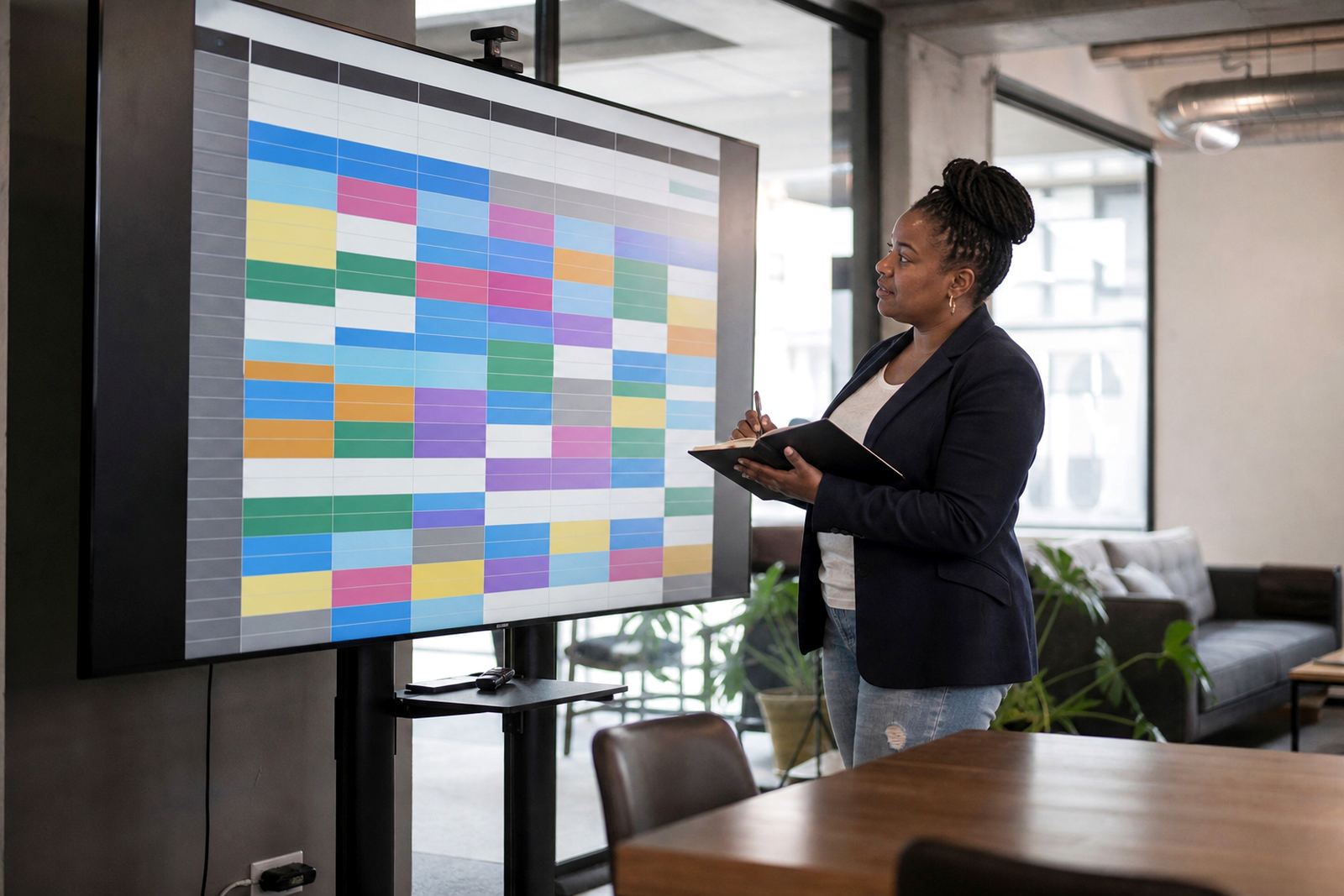
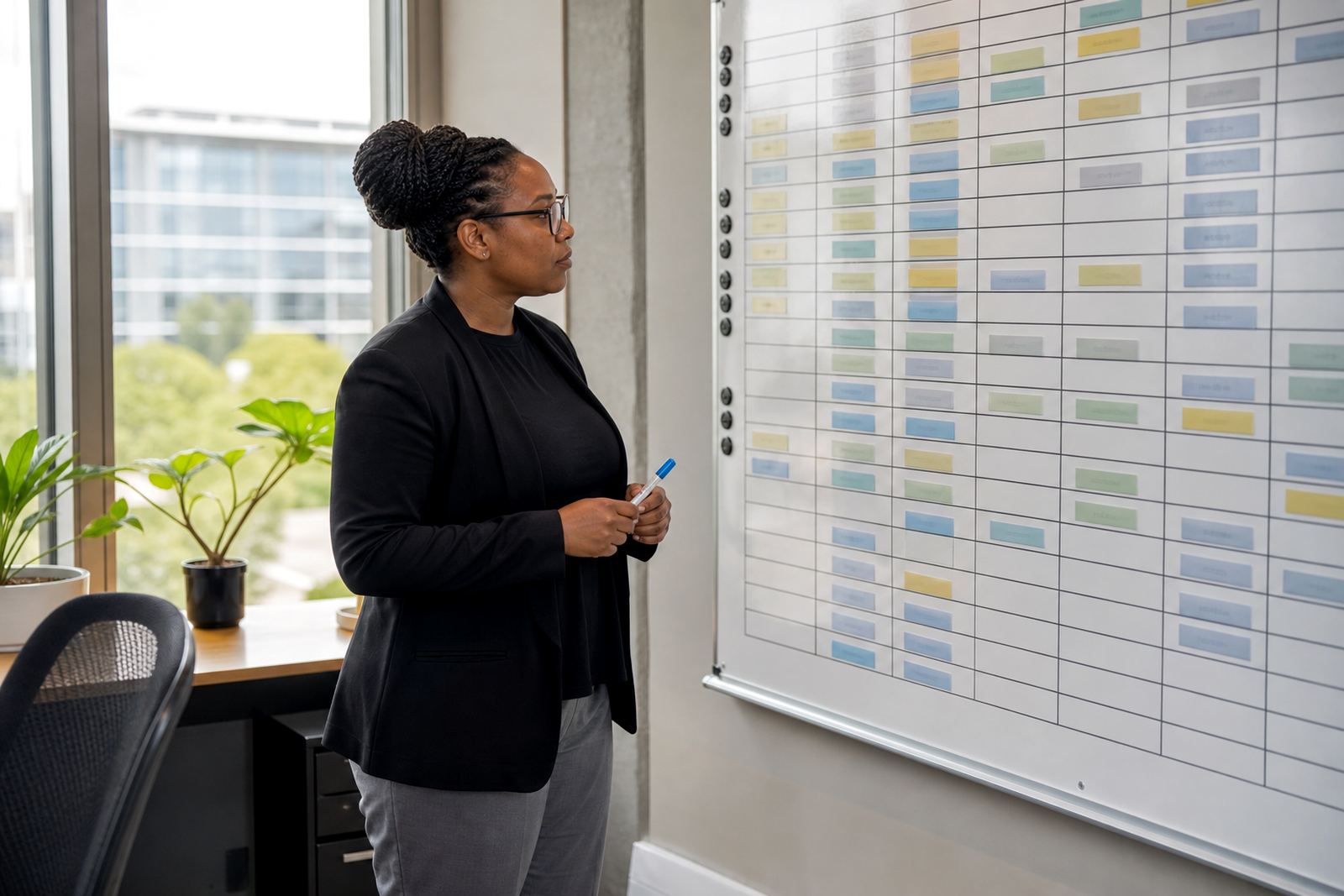
Create and share weekly staff schedules with a clear overview of coverage and working hours.

Monthly Planning

Monthly Planning

Plan upcoming shifts over a longer period to help teams prepare for busy weeks and leave requests.

Shift Swaps

Shift Swaps

Allow staff to request shift changes in a structured way that managers can review and confirm.

Open Shifts

Open Shifts

List uncovered shifts so suitable team members can see opportunities to help fill the roster.

Day View

Day View

See the day's staffing plan at a glance for quicker coordination and smoother handovers.

Week View

Week View

Review staffing across the full week to spot gaps, overlaps and peak periods more easily.

Leave Blocks

Leave Blocks

Mark periods of approved leave so scheduling stays organised and staffing levels remain visible.

Team Messages

Team Messages

Share updates with staff about roster changes, reminders and day-to-day coordination needs.

Group Updates

Group Updates

Send broad schedule notices to teams so everyone stays informed about important changes.

Private Chat

Private Chat

Handle one-to-one roster questions in a simple message space between staff and managers.

Activity Plans

Activity Plans

Organise general team activities that support engagement and better workplace participation.

Team Groups

Team Groups

Arrange staff into practical groups for messaging, scheduling visibility and activity planning.

Location Rosters

Location Rosters

Manage schedules by site or branch when teams work across different business locations.

Role Based Shifts

Role Based Shifts

Build rosters around job roles so coverage remains balanced across key responsibilities.

Availability Views

Availability Views

Review when staff are generally available before finalising weekly or monthly schedules.

Absence Notes

Absence Notes

Record general absence details to keep roster planning accurate and communication clear.

Manager Approvals

Manager Approvals

Review schedule changes, shift swaps and leave blocks before they appear in the final roster.

Staff Notices

Staff Notices

Post important general updates related to shifts, team activities and workplace coordination.

Calendar Layout

Calendar Layout

Use a familiar calendar-style view to make scheduling and roster review easier for teams.

Colour Coding

Colour Coding

Highlight teams, shift types or activity periods with simple visual organisation.

Late Change Alerts

Late Change Alerts

Notify staff quickly when last-minute roster adjustments need attention.

Cover Requests

Cover Requests

Raise requests for shift cover in a consistent way that keeps managers informed.

Shift Notes

Shift Notes

Add general notes to shifts so teams have the context they need for the day.

Break Planning

Break Planning

Support practical break planning within rosters to help structure working time sensibly.

Weekend Rosters

Weekend Rosters

Prepare weekend staffing plans with clear visibility of available cover and shift changes.

Holiday Periods

Holiday Periods

Organise staffing during holiday periods when demand and leave patterns may change.

Night Shifts

Night Shifts

Structure overnight schedules with clear communication and visible handover planning.

Split Shifts

Split Shifts

Set up split shift patterns where the working day needs separate rostered periods.

Part Time Teams

Part Time Teams

Roster part-time staff clearly so hours and availability stay easy to manage.

Full Time Teams

Full Time Teams

Manage recurring schedules for full-time staff with simple weekly structure and updates.

Handover Messages

Handover Messages

Pass general shift information between teams to support smooth changeovers.

Activity Reminders

Activity Reminders

Send simple reminders about upcoming team activities to encourage attendance and awareness.

Roster History

Roster History

Review past schedules to understand changes and support ongoing planning decisions.

Template Weeks

Template Weeks

Use repeatable weekly structures as a starting point for regular staffing patterns.

BCEA Awareness

BCEA Awareness

Keep roster planning aligned with general awareness of the Basic Conditions of Employment Act without legal advice.

Mobile Access

Mobile Access

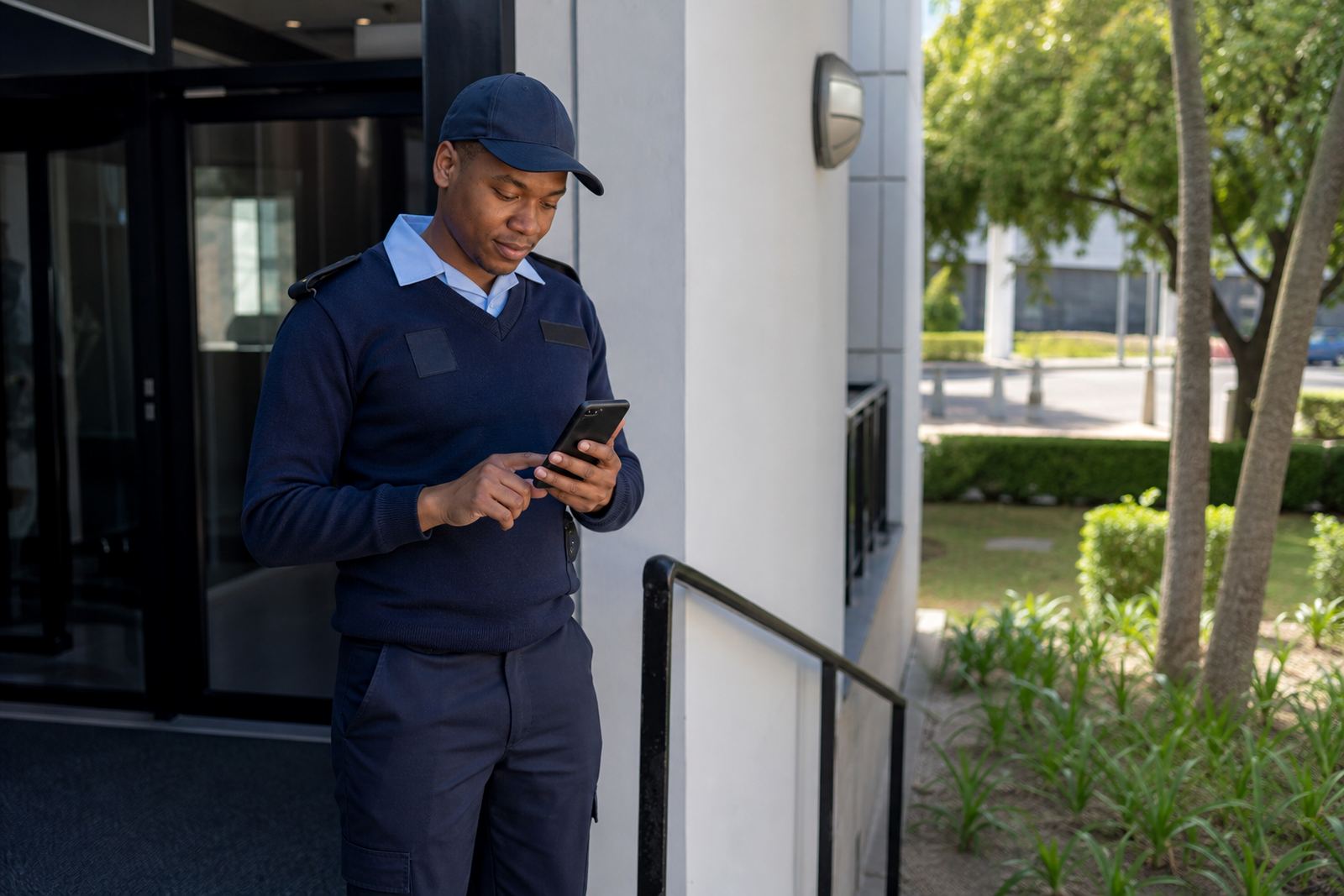
Check schedules, swaps and messages from a phone for easier day-to-day coordination.

Start with the tools your team uses most

If you are setting up a new roster process in Rosebank, Durban or Cape Town, it helps to begin with the basics. OurTeam brings scheduling, shift swaps, team messaging and activity planning into one place so managers can keep track of day to day work without chasing updates across different channels.

This hub gives you a practical view of each feature area so you can choose what matters first. Some businesses start with roster setup and manager training, while others begin with messaging or swap handling for busy shift teams. The right mix depends on your staff, your site and how often your rota changes.

Scheduling that suits shift based work

Good scheduling starts with clear shifts, fair planning and dates that everyone can follow. OurTeam supports roster creation for businesses that need weekly planning, rotating shifts or changes across multiple sites in Johannesburg, Pretoria and Bloemfontein.

  • Build weekly or recurring rosters
  • Share schedules with managers and staff
  • Adjust shifts when leave, sickness or busy periods change the plan
  • Keep roster notes in one place for the team

When setting up schedules, it is sensible to check that working hours and rest periods align with the Basic Conditions of Employment Act. That keeps the process practical and helps managers avoid avoidable problems later on.

Shift swaps without the back and forth

Shift swaps are one of the quickest ways for a roster to go off track if they are handled by messages scattered across phones. OurTeam gives teams a simple way to request, review and record swaps so the roster stays readable for everyone involved.

This is useful for call centres, hospitality teams, retail floors and field teams where last minute changes are common. It also helps managers see who is available and who has already taken on extra time. In coastal areas like Durban and Cape Town, where seasonal demand can shift quickly, having a clear swap process saves a lot of time.

Message the right people at the right time

Clear communication keeps the roster moving. With team messaging, managers can share updates about shifts, start times, venue changes and general workplace notices without relying on long message chains that are easy to miss.

  • Send updates to staff groups or selected teams
  • Share short notices about roster changes
  • Keep activity reminders in the same space as work updates
  • Reduce confusion when load shedding, transport issues or site changes affect the day

For businesses with staff across Midrand, Sandton and other busy centres, a central message space helps everyone work from the same information. It is a practical tool, not a replacement for good line management, but it does cut down on repeated calls and missed updates.

Plan activities that support team connection

Team activities are not only for big events. They can include simple planning around inductions, internal sessions, check ins and staff engagement days. OurTeam helps businesses organise these activities alongside the roster so managers can see what is happening and when.

For many South African workplaces, especially those with changing shifts or mixed teams, keeping activity planning close to the roster makes life easier. It helps with attendance planning, room use and making sure supervisors know which staff members are involved. That matters whether you are running a small operation in Rosebank or coordinating several sites across the country.

Set up the system to match your workflow

The best feature set is the one that fits how your business already works. Some teams need roster template setup and policy alignment first. Others need help with account setup, site rollout or training so supervisors and staff can use the app properly from day one.

OurTeam supports businesses across South Africa with practical rollout help, from first setup through to ongoing check ins. That includes manager training, staff training, message setup, swap process help and support for activity planning. If your roster rules are clear and your team knows how to use them, the app becomes much easier to maintain.

  • Account setup and roster template setup
  • Manager and staff training
  • Swap process and message setup
  • Site rollout and ongoing check ins

Choose the feature pages that fit your next step

Use this hub to move through the parts of OurTeam that matter most to your business. If you need stronger rostering, start with scheduling and policy alignment. If staff communication is the bigger issue, look at messaging and swap handling. If you are planning engagement days or internal sessions, begin with activity planning.

Each page gives you a focused view of one area, so you can choose the right tools without overcomplicating the process. That way, managers in Johannesburg, Cape Town, Durban, Pretoria and Bloemfontein can work with the same system while keeping local needs in mind.

Questions we get asked

What app features are covered on this hub page?

This hub covers scheduling, shift swaps, team messaging and activity planning, with each area explained in more detail on its own page.

Can OurTeam help with roster setup for different sites?

Yes. The app is set up for practical roster planning across more than one site, which is useful for businesses working in different towns or branches.

Should roster planning follow South African labour rules?

Yes. Rosters should be checked against the Basic Conditions of Employment Act in general terms, so working hours and rest periods are handled properly.

Planning something? Send the team a message.

Contact form