What the Germiston team needed day to day
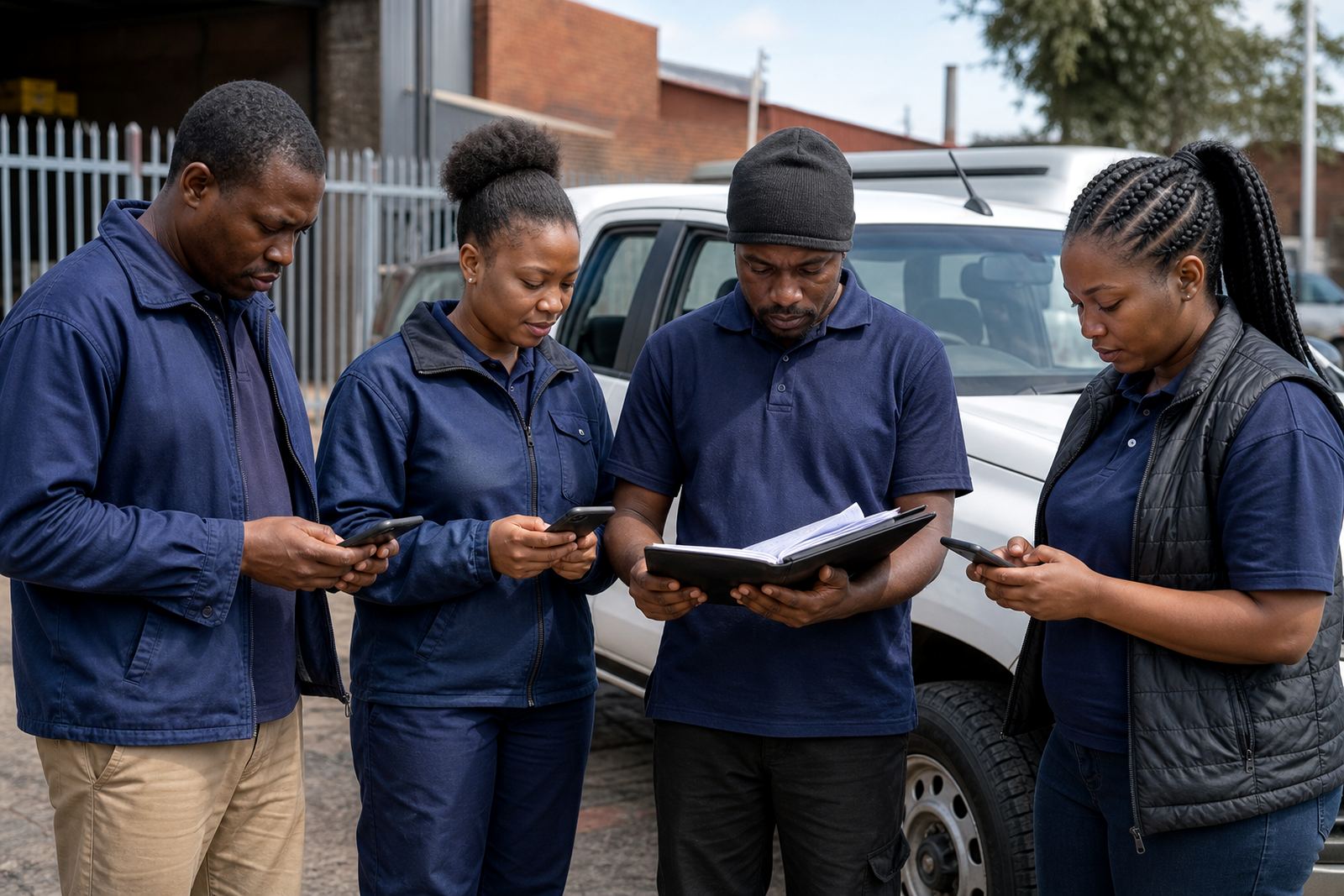
The brief came from a Germiston field team that spent most of its week out on the road rather than at one fixed site. Supervisors needed a simple way to share schedules, check who was on duty, and let people see their day view without phoning around for updates. The team also wanted a cleaner way to handle shift swaps and short-notice messages when work changed after load-shedding, traffic delays or last-minute site access issues.
The business was not looking for a complicated system. They wanted something staff could understand quickly, with a clear view of who was working where and when, plus a few easy tools for team activities and notices. That was the core of the project, keep it practical and make it easier for everyone to stay aligned from the start of the day to knock-off.
What had to be kept in mind
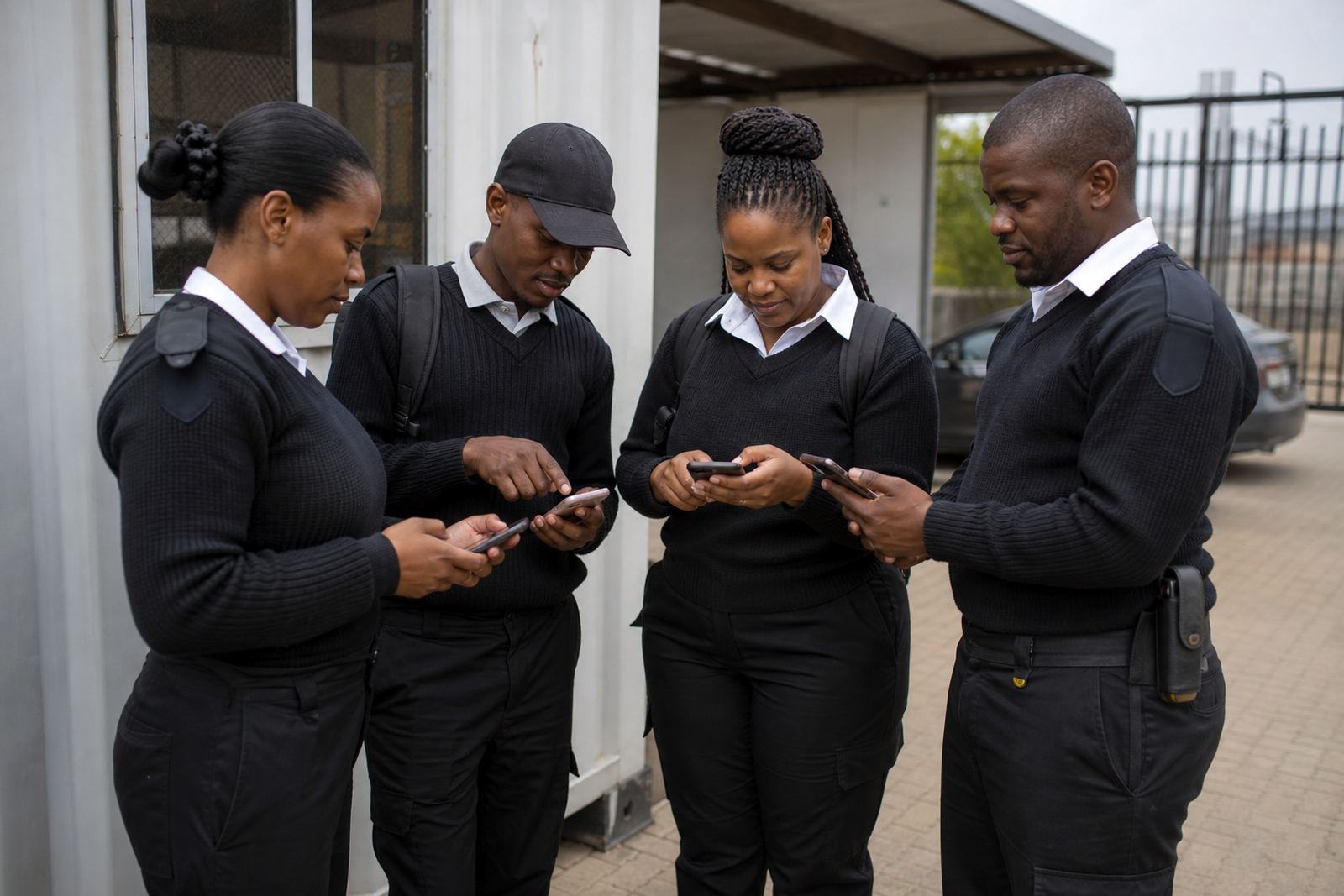
Because the workforce was mobile, the biggest constraint was access. Staff did not always sit at a computer, so the process had to work well on a phone and be readable while travelling between Germiston, Johannesburg and nearby areas. The roster also needed to follow ordinary South African working-time rules, including rest periods and fair shift planning under the Basic Conditions of Employment Act, without overcomplicating the setup.
There was also the usual pressure that comes with field work: changes happen late, messages get missed, and a printed roster can be out of date by lunch time. In a team like this, one missed swap can create confusion for the whole day. So the structure had to stay simple enough for supervisors to update quickly, but tight enough to reduce avoidable gaps.
- Mobile access for staff on the move
- Clear day views for daily planning
- Shift swap requests that were easy to track
- Message handling for immediate updates
- Roster setup that could be checked against working-time rules
How we set up the rollout
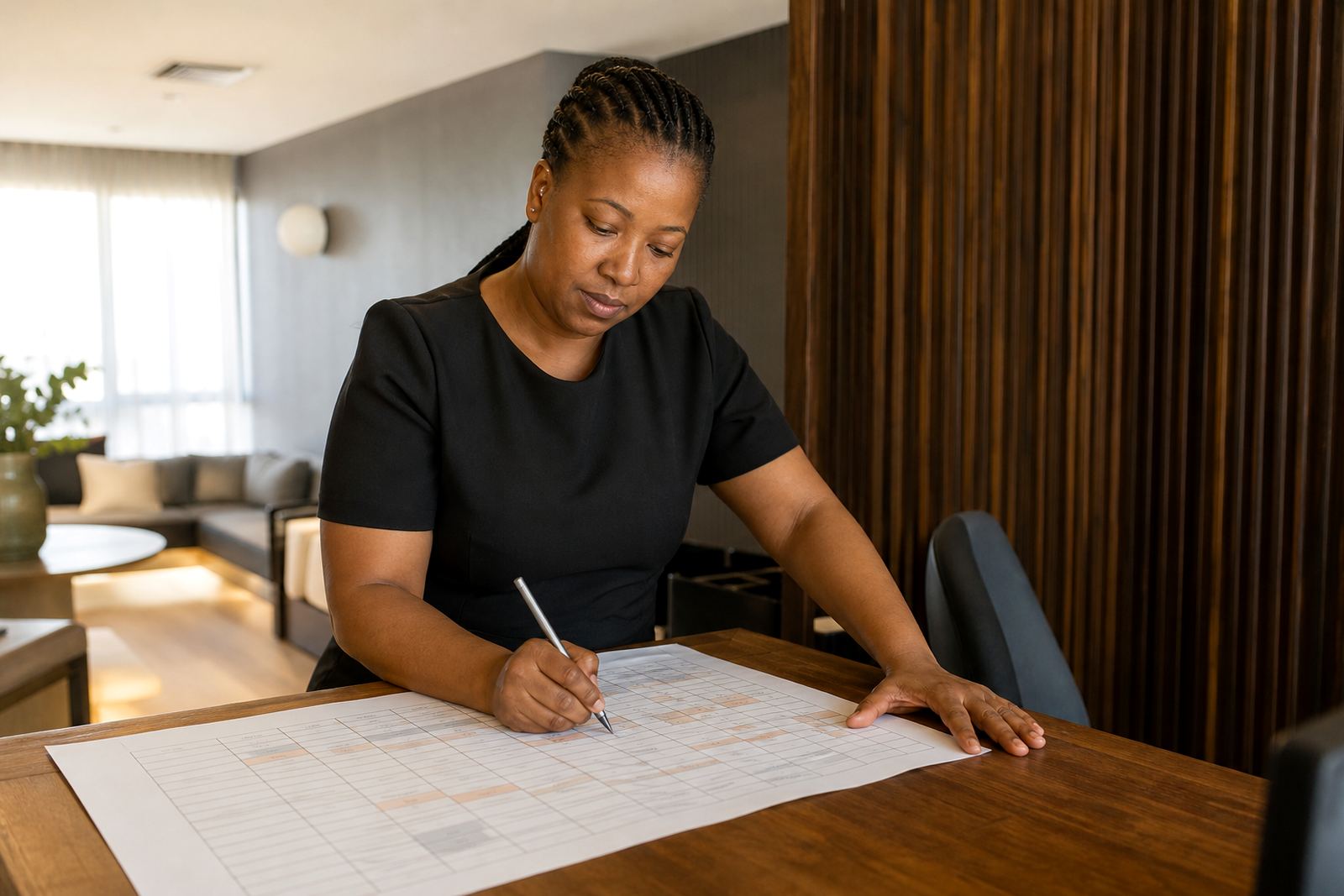
We started with account setup and a roster template built around the team’s actual working pattern. The aim was not to force a new way of working, but to tidy up the existing one so managers could see the week at a glance. We imported the team list, arranged the shift structure, and set up the day view so supervisors could confirm attendance and assignments fast.
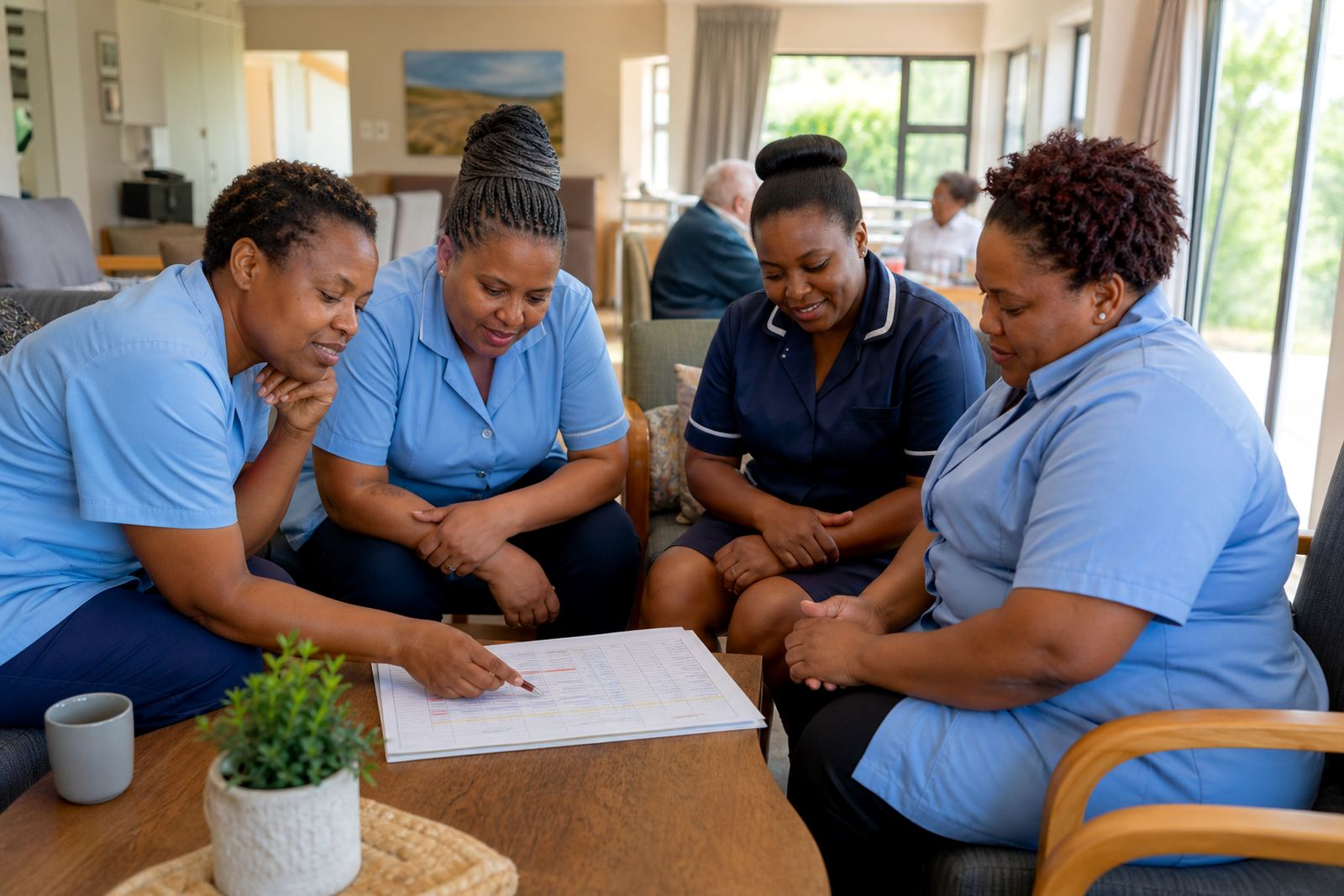
After that, we added the message setup and shift swap process, then trained the managers and staff in short sessions. The Germiston team needed to see how to use the basics in the first week, not after several long meetings. We also supported the activity planning side where team engagement was part of the week, like brief check-ins or group notices tied to the roster.
- Account setup for managers and staff
- Team import help and roster template setup
- Manager training and staff training
- Swap process help and message setup
- Go live support with follow-up checks
Timeline and support during go live
The full rollout took three weeks from setup to go live support. Week one was for planning, template work and team import help. Week two focused on training, testing the day views and making sure swap requests were being handled in a way that suited the supervisors. Week three was the live handover, with check-ins to catch anything that needed adjusting.
During go live, the main need was reassurance. A field team does not have time to relearn a process in the middle of a busy shift, so we kept the support direct and practical. If a roster note needed changing or a message flow was not clear enough, we tightened it quickly. That kept the process moving and reduced back-and-forth for the managers.
What changed for the team
Once the team settled into the new setup, the main improvement was visibility. Staff could see their day view without waiting for someone to phone or WhatsApp the whole group, and managers had a cleaner picture of who was available. The message area helped with short updates, while shift swaps became easier to manage because the request process was clear rather than buried in separate chats.
For a mobile workforce, that kind of structure matters. It cuts down on missed information and keeps the day moving, especially when transport delays or site changes come up. The team still had human oversight, but less admin sitting in the middle of the working day. That freed up supervisors to spend more time on the work itself and less time chasing confirmations.
- Better day-to-day visibility for managers and staff
- Fewer missed updates and less message chasing
- Cleaner handling of last-minute shift changes
- More consistent planning across the week
What we would do again for a similar team
For another Germiston field team, we would follow the same approach again. Start with the simplest roster structure that matches the actual work pattern, keep the message flow short, and train supervisors before pushing the wider rollout. That order matters because it gives the people who manage the day the confidence to keep it steady when pressure rises.
We would also keep the activity planning side light and useful, with team engagement tools only where they help the week run better. If the team is working across Johannesburg, Pretoria or farther afield, we would still keep the setup grounded in local realities like travel time, late updates and the need to stay within fair working hours. In our experience, the best setup is the one people can use without thinking too hard about it.
Key facts
| Project | Germiston Field Team |
|---|---|
| Client type | Mobile workforce in a field service environment |
| Town | Germiston, Gauteng |
| Scope | Scheduling, shift swaps, messaging and team activities |
| Timeline | 3 weeks |
| Support | Account setup, training, go live support and ongoing check ins |