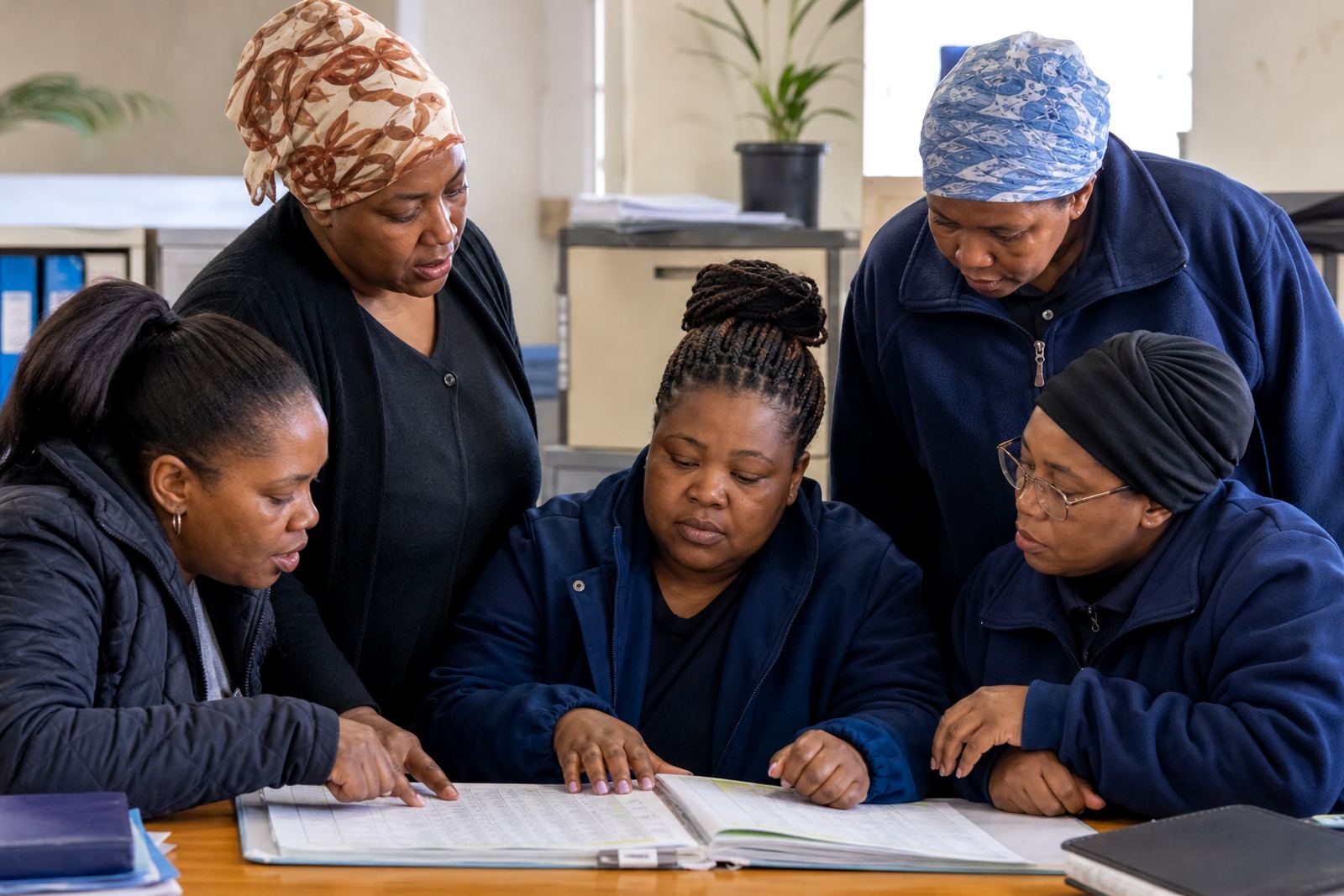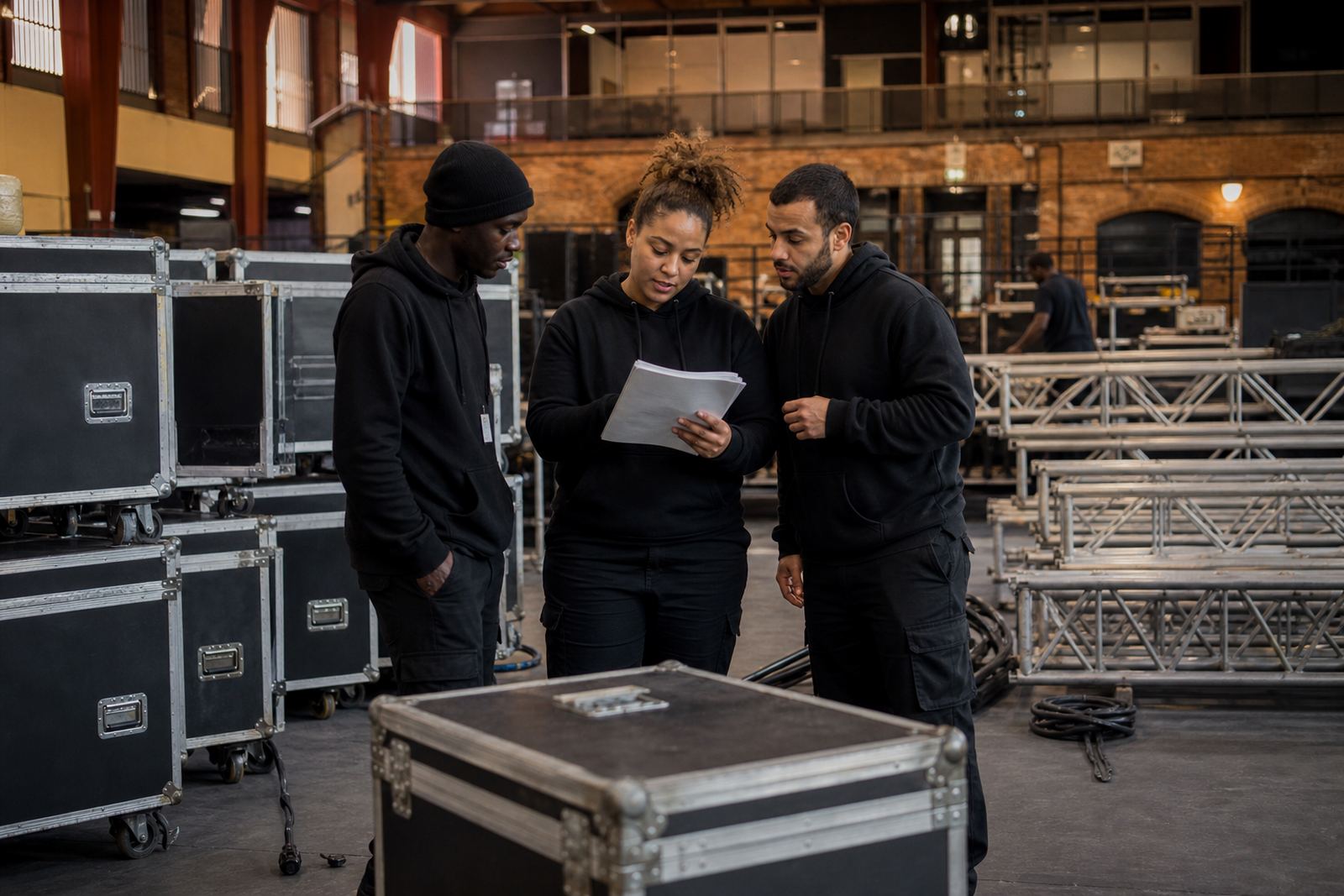
Event Crew Roster Problems in Cape Town
The client was a Cape Town events team with mixed venue work, early starts, late pack-downs and frequent last-minute changes. Their staff roster moved between setup, event day support and breakdown shifts, so the team needed a simpler way to see who was working, who was available and who had swapped a shift. They also wanted the process to suit businesses operating in South Africa, where roster planning needs to stay in step with the Basic Conditions of Employment Act in general terms and with local working hours, rest periods and public holiday planning.
The main issue was not a lack of effort from the supervisors. It was the amount of back-and-forth on messages, call-backs and screenshots. When a setup ran late or weather changed the plan, the crew needed a clear way to update people fast, and not everyone was checking the same channel at the same time.
- Client type: Cape Town event crew
- Work pattern: changing setup, event and pack-down shifts
- Main pain points: shift swaps, message flow, last-minute changes
- Operating context: busy local events, varied start times, compliance-aware rostering
What the Team Needed from the System
The brief was practical. They wanted a simple roster setup that supervisors could update without fuss, plus better visibility for the staff on the ground. The team asked for scheduling tools, shift swap handling, general messaging and a way to organise team activities without creating more admin. They were not after a long rollout or a complicated setup, just something that made daily coordination easier.
They also wanted the system to fit a mixed workforce with a small core office group and a larger field crew. Some staff were used to mobile updates, while others preferred a straightforward view of the roster and direct messages. We kept that in mind when planning the structure and support. There was also the usual event-industry pressure where a shift can change an hour before call time, so the process had to work under pressure, not only on paper.
- Roster visibility for supervisors and staff
- Shift swap requests in one place
- Simple message flow for quick notices
- Team activity planning for briefings and crew coordination
Four Week Rollout with Setup and Training
We completed the rollout over four weeks. Week one focused on account setup, roster template setup and mapping the crew structure into clear groups by role and location. Week two covered team import help and policy alignment, so the rostering process followed the company’s working rules more clearly and kept the admin side tidy. Week three was used for manager training, message setup and swap process help. Week four covered staff training, activity planning help and go live support.
The handover was done in steps so the supervisors could get comfortable before the full team moved over. That mattered because event schedules can change quickly and the managers needed to know how to adjust a shift, send a message, and check who had confirmed a swap. We stayed close through the first live roster cycles, then moved to regular check-ins once the process settled.
- Week 1: account setup and roster template setup
- Week 2: team import help and policy alignment
- Week 3: manager training, message setup and swap process help
- Week 4: staff training, activity planning help and go live support
How the Crew Used Scheduling and Messages
The biggest gain came from having one place for shift planning and communication. Supervisors could post changes, staff could see updates sooner, and swap requests became easier to track. That reduced the usual confusion around who had seen the message and who still needed a follow-up call. It also helped when teams were split across preparation sites, venues and late-night breakdown work.
For team activities, the client wanted a simple way to organise briefings and crew touchpoints around busy event weeks. This did not need anything flashy. It just needed to be clear, quick and easy to use. Once that structure was in place, the team spent less time chasing replies and more time getting the site ready.
- Clearer shift notices for setup and pack-down crews
- Better visibility for swap requests and approvals
- Cleaner message flow during busy event periods
- Simple planning for team activities and briefings
Results Seen on the Ground
After go live, the Cape Town team had a more orderly roster process and fewer repeated messages. Supervisors could make changes in a more controlled way, and staff had a better sense of what was expected before they arrived on site. The process was especially useful when event times shifted or a crew member needed to swap out because of transport, family commitments or another work booking. It sounds basic, but for event work that kind of clarity saves a lot of time.
They also told us the team was quicker to confirm shifts when the message and roster information lived in the same place. That made it easier to keep the right people on the right jobs and reduced the stress that often comes with late changes. In a business like this, one missed update can throw out a whole setup, so even small improvements matter.
- Less back-and-forth on roster changes
- Faster shift confirmations from staff
- Better visibility of who was on duty
- More controlled handling of late changes
What We Would Do Again for Another Events Team
If we were supporting another Cape Town events crew, we would use the same approach again. Start with a clean roster structure, keep the swap process simple, train the supervisors first and then bring the wider team in once the rules are clear. That sequence worked well because it gave the managers confidence before the busiest shifts came through. We would also keep the communication rules short and practical, so staff know where to look and what action is needed.
For event businesses in Johannesburg, Pretoria, Durban, Bloemfontein or Cape Town, the real value is not only the roster itself. It is the way scheduling, messaging and team activities are handled together, with enough structure to support day-to-day operations and enough flexibility for changing plans. That balance is what the Cape Town crew needed and it is what we would put in place again.
- Begin with roster structure before adding extra detail
- Keep shift swap rules easy to follow
- Train managers before rolling out to all staff
- Set message habits early so updates are not missed
Key facts
| Project location | Cape Town |
|---|---|
| Client type | Event crew and site support team |
| Rollout length | 4 weeks |
| Core functions | Scheduling, shift swaps, messaging and team activities |
| Support included | Account setup, training, go live support and ongoing check ins |
| South African context | Roster planning aligned in general terms with the Basic Conditions of Employment Act |