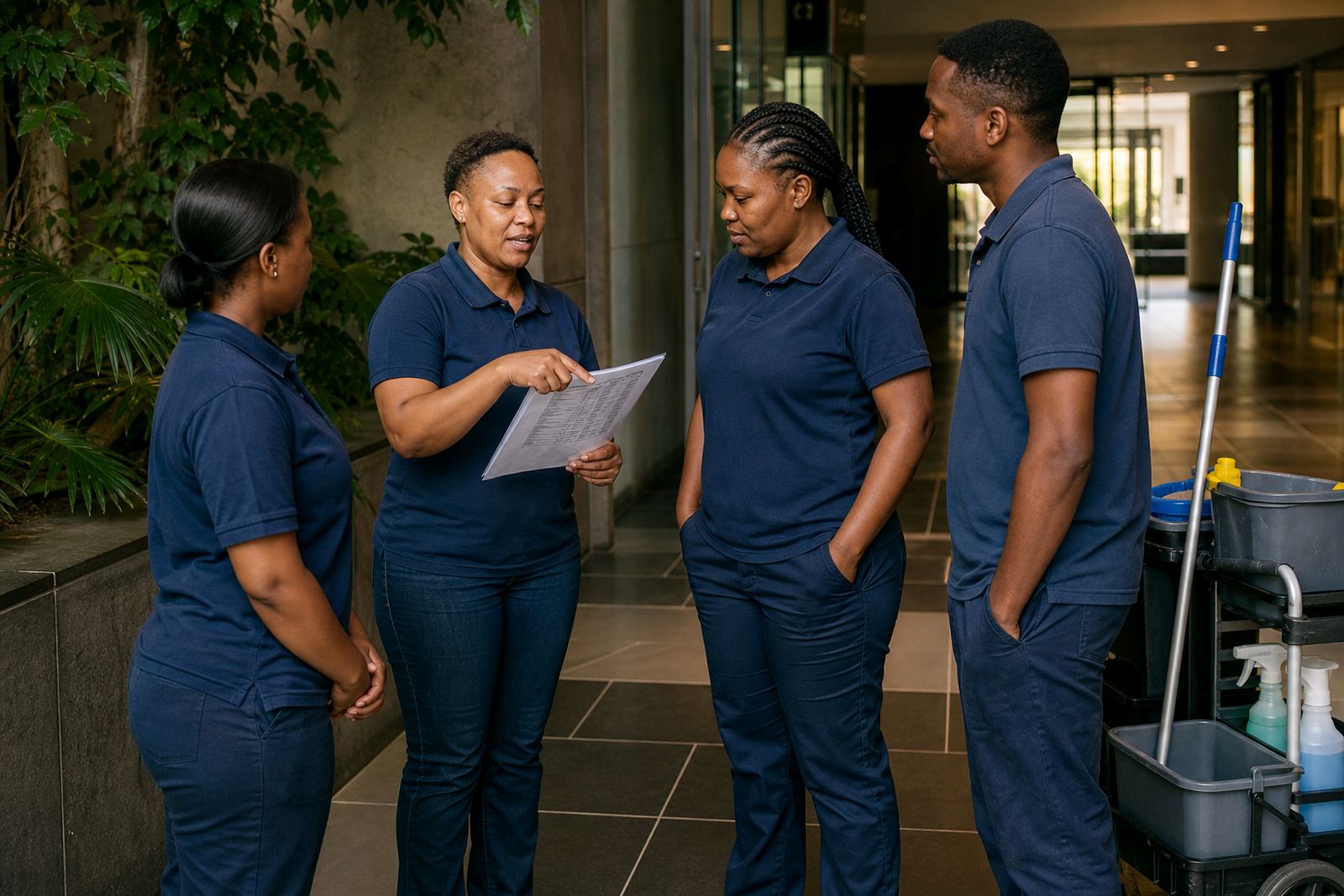
Keeping Cleaning Crews Aligned Across Multiple Sites
Cleaning teams often work across offices, malls, schools, medical rooms, estates and shared buildings, so the roster has to match real site demands. A good plan shows who is on which site, what time they start, who covers relief and how supervisors handle late changes without phone-tag all morning.
For businesses in Johannesburg, Cape Town, Durban, Pretoria and Bloemfontein, the pressure is usually the same: staff travel times, early starts, split shifts and last-minute absences. OurTeam is used to help managers keep the day clear for everyone involved, whether the crew is fixed to one building or moving between several sites in one area.
Typical Cleaning Team Setup And Equipment List
Every cleaning business works a little differently, but most teams rely on a practical set of tools that needs to be allocated properly. The roster should reflect who is carrying what, which sites need extra support and whether a crew needs a vehicle, key access or a supervisor on arrival.
Common equipment and supplies may include vacuum cleaners, mops, buckets, mop heads, cloths, floor polishers, broom sets, spray bottles, gloves, masks, caution signs and spill kits. On larger sites, the team may also need trolleys, extension leads, replacement batteries for cordless equipment and spare uniforms. If a site uses chemicals, it helps to show who is responsible for transport and refills so nothing gets left behind or mixed up.
How To Lay Out Shifts For Mobile Or Fixed Crews
For fixed crews, the layout is usually straightforward: one site, one shift pattern and a clear handover between day and evening staff. For mobile crews, the roster works better when travel time is built in, because a team that finishes late in one suburb may not be able to reach the next site on time without a buffer.
Manager training and roster template setup can make this easier from the start. A good setup uses names, roles and site notes that are simple to read on a phone. If load-shedding affects a site, or a client requires early access before opening hours, that detail should sit with the shift, not in a separate note that gets missed. A clean layout saves a lot of WhatsApp back-and-forth later, and helps managers see gaps before they become a problem.
Roster Rules, Compliance And Fair Planning
Cleaning rosters should follow the Basic Conditions of Employment Act in general terms, especially where working hours, rest periods and overtime are concerned. That does not replace proper labour advice, but it does mean managers should avoid scheduling patterns that create confusion or unfair pressure on staff.
Common problems include double-booking the same person across two sites, changing shifts without proper notice, or giving one worker too many weekend turns while others get none. When the roster is clear, staff can see their shifts, request swaps properly and understand who approved the change. It also helps if policy alignment is done early so supervisors are using the same rules on every site.
Common Mistakes In Cleaning Team Scheduling
One of the biggest mistakes is building the roster around habit instead of the actual site need. A business may keep the same names in the same slots for months, then struggle when a new site opens, a contract changes or a supervisor leaves. Another common issue is forgetting to plan for sick leave, transport delays or equipment breakdowns. A crew can be fully staffed on paper and still fall short if nobody has a backup plan.
Another mistake is using too many separate communication channels. If updates are shared in one chat, approvals in another and shift changes on paper, staff miss information and managers spend time repeating themselves. OurTeam supports message setup and ongoing check-ins so the schedule, the swap request and the team update stay closer together. That keeps the process practical for busy cleaning operations in places like Sandton, Midrand and the central business districts.
Budget Ranges For Cleaning Team Rollout And Support
Budget usually depends on how many sites you manage, how much setup work is needed and how much training the managers and staff require. For a smaller cleaning business with one base and a modest crew, a simple rollout may sit in the low thousands of Rand. For a larger operation with multiple sites, supervisor layers and more structured planning, the setup and training effort can move into a higher range.
As a practical guide, businesses often budget separately for account setup, roster template setup, staff training, manager training, site rollout and go-live support. Ongoing check-ins can also help after the first few weeks, especially if the team is still learning the swap process or if sites have different access times. The aim is not to make the roster fancy, just reliable enough that the team knows where to be and when. A clear system is cheaper than repeated mistakes over time.