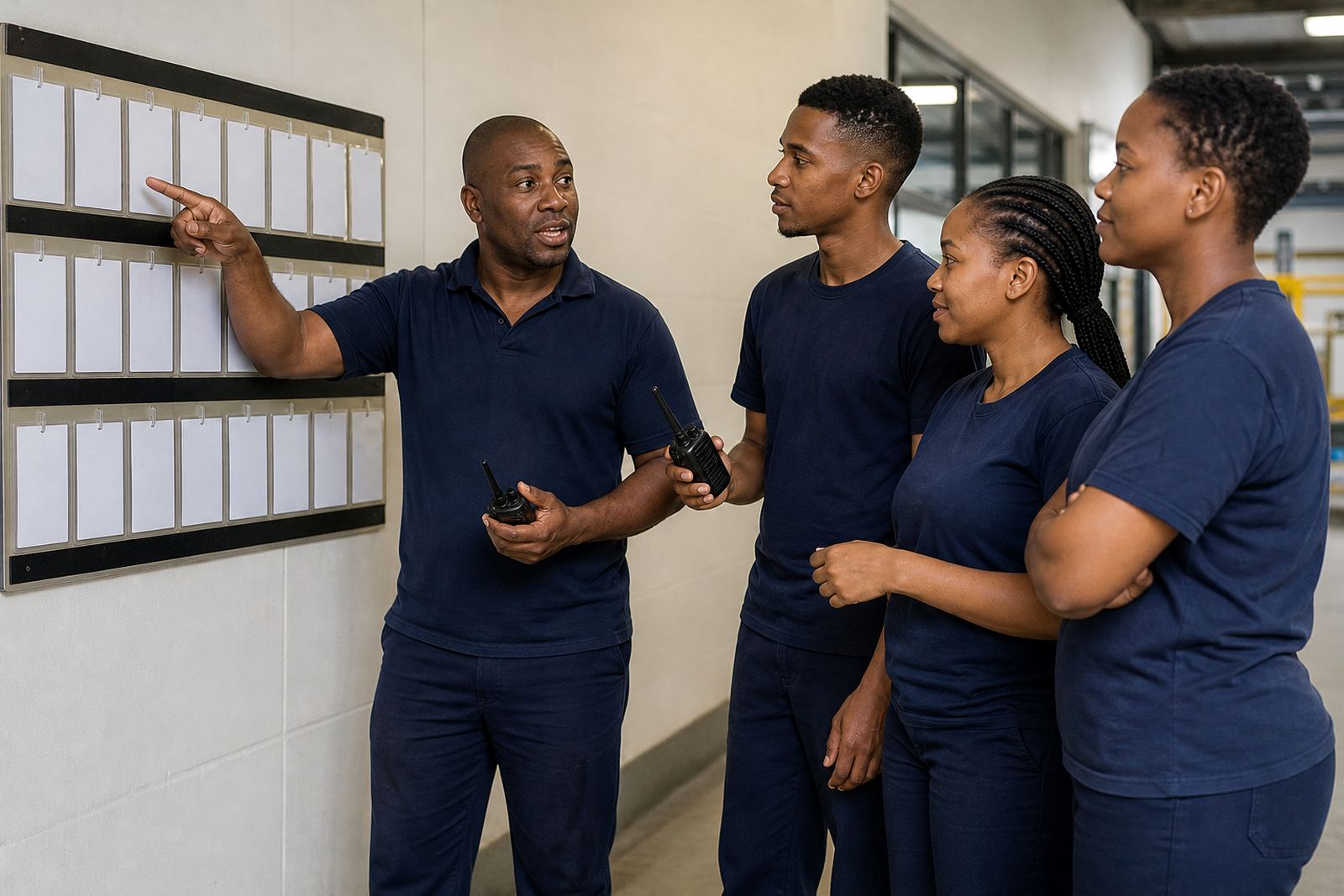
What You Will See in a Demo
A demo is a practical walkthrough, not a sales pitch. You can see how a manager sets up a roster, makes updates when someone is off sick, and sends a message to the right group of staff without wasting time on back-and-forth calls.
We also show how team activities can be planned alongside day-to-day shifts, so your staff know what is happening and when. For businesses in Johannesburg, Cape Town, Durban, Pretoria and Bloemfontein, that matters when teams are spread across sites, branches or field work.
How to Book Your Demo Step by Step
Use the enquiry form on our contact page and tell us a little about your team, your sites and the sort of rostering help you need. If you manage a small office in Rosebank or a larger operation with staff across Gauteng and the coast, the demo can be shaped around your setup.
- Send an enquiry through the contact page
- Share your team size, sites and current rostering process
- We arrange a guided session at a suitable time
- You see the main functions in a live walk through
- We answer questions about setup, staff training and go live support
If your business works around shifts, public holidays or weekend cover, mention that early so the session focuses on the parts that matter most. That keeps the conversation direct and useful, not full of fluff.
Roster Support That Fits South African Workplaces
Many teams need rosters that balance labour needs with fair scheduling. OurTeam is used for general scheduling, shift swaps, messaging and team activities, with support for businesses that want a clearer way to manage weekly or monthly shifts.
Rosters should also be handled in line with the Basic Conditions of Employment Act in general terms. We do not give legal advice, but we do help teams think through practical scheduling needs such as rest periods, notice, overtime planning and shift changes, so the process is more orderly from the start.
- Account setup for new teams
- Roster template setup for repeat schedules
- Swap process help for approved changes
- Message setup for manager and staff communication
Support for Managers and Staff During Rollout
Once the demo shows the right fit, we can help with the rollout in a step-by-step way. That may include team import help, manager training, staff training and site rollout support. The aim is to make the first week feel calm and manageable, not rushed.
For sites in Sandton or Midrand, where teams may move quickly between departments, a clear rollout plan makes a real difference. We also help with policy alignment so that the way rosters are handled on the app matches your workplace rules and approval process. On the day of go live, there should be less confusion and fewer last minute calls, which is a relief when load-shedding or transport delays already complicate the day.
Questions to Ask Before You Book
A good demo should answer the questions your supervisors and admin team ask every week. If you are not sure what to ask, start with the basics below. It helps us show the parts of the system that will actually save time.
- How do we create and update rosters?
- Can staff request swaps through an agreed process?
- How do we send messages to one site or the whole team?
- Can team activities be planned around shifts?
- What support is available after go live?
These are the practical questions that matter most in real workplaces. A demo should leave you with a clear picture of how the app would fit your daily operations, not a pile of vague ideas.
What Happens After the Demo
If you decide to move ahead, we can continue with onboarding support, check in with your managers and help your team settle into the new process. Some businesses want a simple setup with one site. Others need support across several branches in Johannesburg, Cape Town, Durban, Pretoria or Bloemfontein, and that can be handled in stages.
Ongoing check ins are useful after go live because small issues often show up once the roster is being used day to day. We can help you keep the process tidy, easier to manage, and less prone to crossed wires. If you need help later with a new team, a roster change or a fresh training round, you can send another enquiry through the contact page.