When event rosters change by the hour
Event teams do not work to a neat office rhythm. One day you are setting up a conference in Sandton, the next you are managing a wedding in Pretoria, a festival in Durban or a corporate launch in Rosebank, and the roster can change more than once before doors open. OurTeam is built for that kind of pressure, where managers need a clear plan and staff need to know exactly where they stand.
The usual pain points are familiar: last minute call offs, venue access changes, power cuts that delay setup, and extra hands needed when bump in takes longer than planned. A good roster system helps you keep track of who is available, who has swapped, and who still needs a message. It also helps event managers stay in line with the Basic Conditions of Employment Act in general terms, especially around hours, breaks and rest periods, without turning every schedule into a paperwork chase.
For event businesses in Johannesburg, Cape Town, Durban, Pretoria and Bloemfontein, the value is simple. Less confusion, fewer missed call times and a cleaner record of who was meant to be where.
What an event team normally needs on the ground
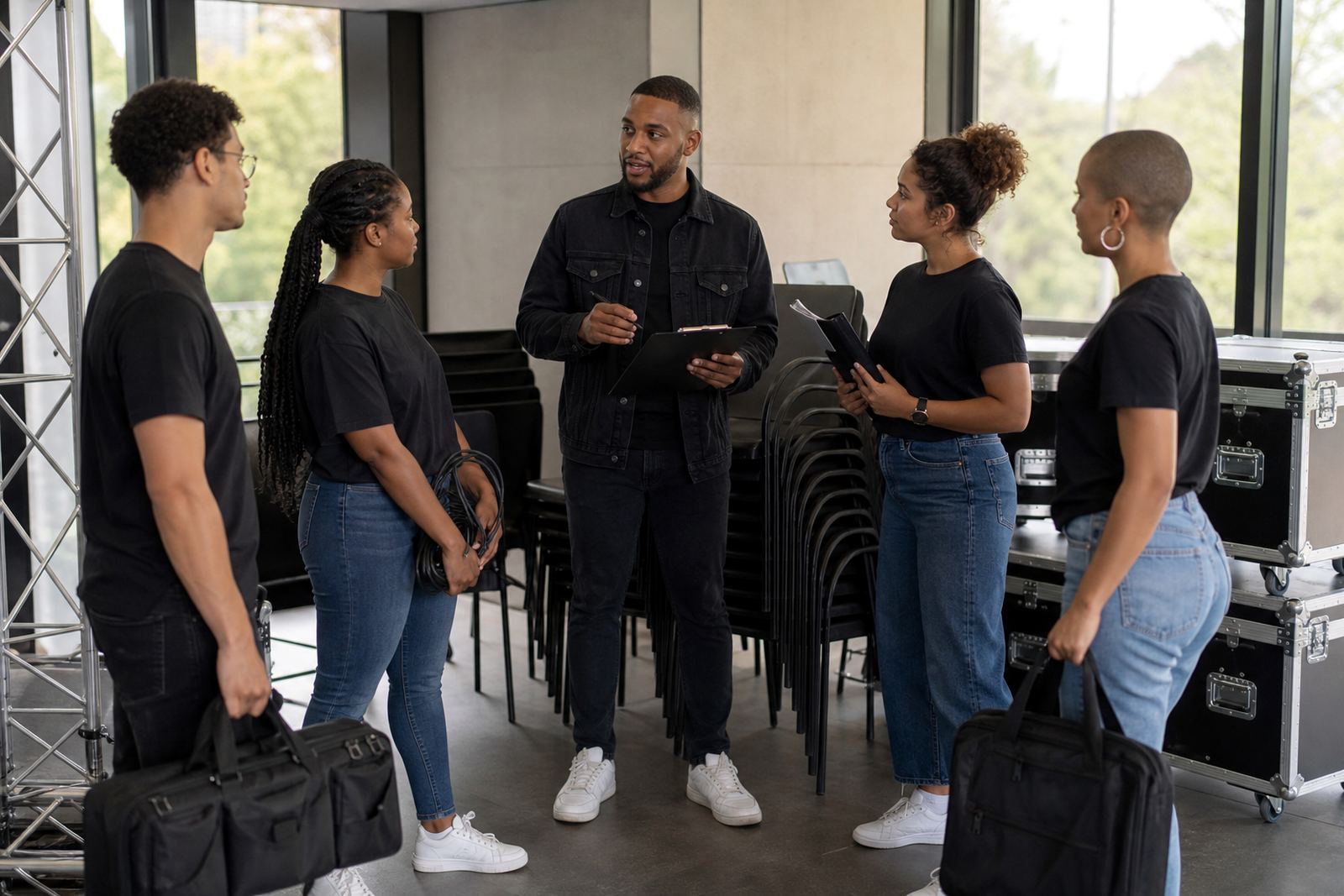
Event crews often have mixed roles and short notice changes. One person may be on registration, another on stage support, another on equipment handling, and someone else may be moving between setup and guest services. That means the roster has to show more than just a name. It needs the shift time, the venue, the role and any notes the team should see before arriving.
Common equipment and working conditions can include handheld radios, clipboards, tablets, charging banks, labels, staging gear, folding tables, lighting stands and temporary signage. In coastal areas like Durban and Cape Town, moisture can affect paper records and some equipment, while in Gauteng the bigger issue is often transport delays, parking access and load-shedding disrupting prep time. A practical roster helps managers plan for all of that.
- Short shift windows for setup, live event cover and pack-down
- Different crews at different venues on the same day
- Early call times for suppliers and technical teams
- Standby staff for no-shows or delayed deliveries
- Clear notes for gate access, dress code and meeting points
How to plan event rosters without creating chaos
Start with the event timeline, not the staff list. Map out bump in, briefing time, guest arrival, programme blocks and pack-down first, then place people where the pressure points are. A roster that follows the day’s flow is easier to manage than one built around fixed office hours. It also helps to separate core staff from on-call helpers so you know who is expected to be present for the full shift and who is only needed for a specific part of the job.
Shift swaps are common in this line of work, but they should be controlled. A quick message in the app can help managers approve changes and keep everyone updated in one place. If a technician, host, marshal or runner cannot make it, the replacement needs the right instructions and venue details straight away, not after they have already reached the wrong gate. That kind of delay is expensive and frustrating, especially when traffic in Johannesburg or Cape Town is already slowing things down.
Where teams cover several towns or repeat venues, use consistent naming for roles and locations. If one event is called by a different name in each message, staff start guessing. Keep it plain, use the same labels every time and make sure the roster is readable on a mobile phone, because that is where most staff will check it.
Team messaging for setup, live time and pack-down
Event work needs fast communication. A message about a delayed delivery, a changed access point or a moved set piece should reach the right people without going through five different WhatsApp threads. The same applies to reminders about report times, uniform, parking and meal breaks. When team messages sit alongside the roster, managers spend less time repeating themselves and staff are less likely to miss important updates.
For larger event teams, it helps to use messaging by role or by site. That way the catering crew does not get stage notes they do not need, and the security team does not miss instructions about guest access. You can also use it for team activities in general, such as pre event briefings, training sessions or post event check-ins, so the whole group stays informed before the next booking comes in.
- Send roster updates to the right group quickly
- Keep venue instructions in one place
- Share brief event notes before call time
- Use one channel for shift changes and approvals
- Reduce confusion during load-shedding or weather delays
Common mistakes event teams make with staff planning
One common mistake is overbooking the same skilled people across too many jobs. When a trusted crew member gets placed on three sites in one weekend, fatigue starts to show and mistakes follow. Another issue is leaving setup crew off the roster until the last moment, then expecting them to arrive with no briefing. That creates poor handovers and makes the site feel disorganised.
Some teams also forget to build in travel time, venue access checks and meal breaks. In South African cities where traffic and roadworks can change the day very quickly, those gaps matter. There is also the issue of policy alignment. If your event staff rules say one thing and the roster says another, people will follow the clearest instruction in front of them, not the one buried in a file. Keep the process simple and consistent, it saves time later.
Budget planning is another area where teams slip. For smaller event crews, basic scheduling and team messaging might sit in the few hundreds of Rand per month. Larger teams with more moving parts can expect higher monthly planning costs, often into the low thousands of Rand, depending on how many users and workflows they need. The real cost is not only software, but the hours lost when shifts are patched together by hand and mistakes have to be fixed on site.
Getting event day rollouts right across South Africa
Event teams in Rosebank, Midrand, Sandton and across the country often need a simple rollout process. First, set up the account and import the team list. Then build a roster template that matches the event pattern, whether that is a single day conference or a weekend activation. After that, train managers and staff on how to read shifts, request swaps and check messages before the event day arrives.
Good rollout support matters because each venue has its own habits. Some sites require early access, some need guest lists sent ahead of time, and some have strict parking or loading rules. In Bloemfontein or Pretoria, for example, a team may be travelling in from different points and needs clear meeting details. In Durban, weather and humidity may affect setup timing. The scheduling process should make those realities easier to handle, not harder.
Ongoing check ins also help. Event work changes from week to week, and the roster should be adjusted when staffing patterns, venue rules or contract terms change. A practical system keeps the team informed, the manager in control, and the event moving on time even when the day does not follow the plan.
Why event managers keep the process simple
Event managers usually do not want more admin, they want fewer surprises. A clear roster, fast shift swaps and direct team messaging help them deal with the real conditions of the job: late supplier arrivals, venue changes, split shifts and long days. When the process is simple, the team can focus on the event itself.
OurTeam is used by businesses that need that kind of practical control across South Africa. If your team works in conferences, activations, functions or live events, the best system is the one that keeps everyone informed and ready, without turning every change into a mess of calls and messages.
Clients reach us through the enquiry form on our contact page for account setup, roster template setup, manager training, staff training, site rollout, swap process help, message setup, activity planning help, go live support and ongoing check ins.